Partnership between Haven and Hostex


One dashboard for
every channel.
Hostex is an all-in-one property management system for short-term rental operators and property managers. It connects the major booking platforms and automates the messages, review requests, and cleaning tasks that follow a stay. Haven connects to that account directly and adds a direct booking site for the same listings.
- Airbnb
- Vrbo
- Booking.com
- Agoda
- Expedia
- Trip.com
- Houfy
One calendar
Live syncCedar Cabin
Dune House
Pine Loft
Harbor Flat
The Hostex side
What Hostex runs
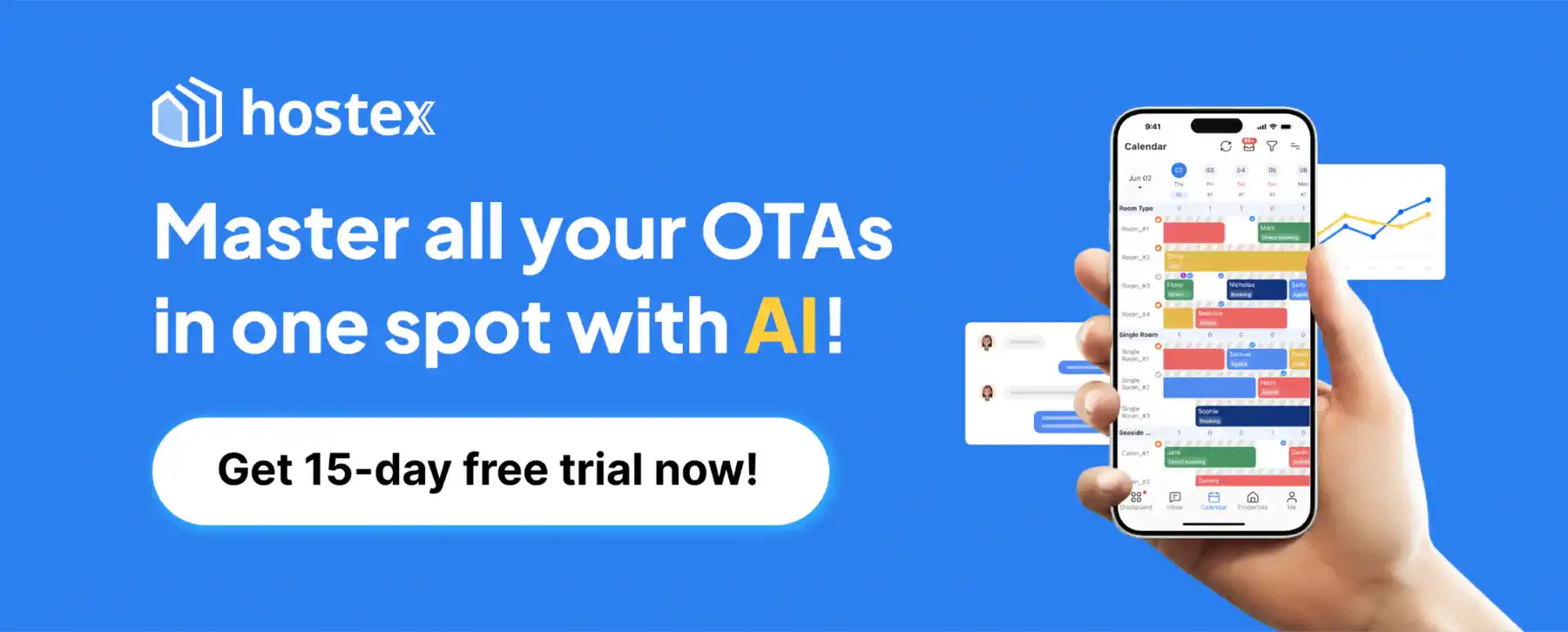
Hostex is the operation: every channel in one dashboard, and the work that follows a reservation handled for you.
Channels
Listings, rates, and availability stay aligned across Airbnb, Vrbo, Booking.com, Agoda, Expedia, and the other platforms Hostex connects.
Guest messages
Inquiries, scheduled notes, and review requests go out from Hostex, including the ones AI can answer.
Cleaning and team
A reservation creates the cleaning task, assigns it, and keeps the team on the same calendar.
Side by side
How Haven and Hostex work together
Hostex keeps the operation: channels, rates, messages, and the team’s day. Haven connects to Hostex and adds the direct booking site and a guest portal with a digital guidebook.
Stays in command of
- Channels, rates, and availability
- Guest messages and review requests
- Cleaning tasks and team calendars
Haven
Adds on top
- A direct booking site for those listings
- A guest portal with a digital guidebook for every stay
- Haven bookings created in Hostex, so the other channels close with them
What a direct booking does
- A guest books on your Haven site
- The reservation is created in Hostex
- Airbnb, Vrbo, and Booking.com close those dates
What syncs
Everything kept in lockstep between Haven and Hostex
Listing content, calendars, reservations, and guest messages import from Hostex, and Haven direct bookings are created in Hostex. Hostex stays your system of record.
Listing content
Photos, descriptions, amenities, fees, and house rules import from the channel listing Hostex already keeps, so nothing is re-entered.
Calendar and rates
Open and closed dates, nightly prices, and minimum stays sync from Hostex. Prices and blocks set in Haven are written back, and each channel keeps its Hostex price ratio.
Reservations
Reservations from Hostex channels appear in Haven. A booking taken on Haven is created in Hostex, so Airbnb, Vrbo, and the other channels close with it.
Messages and the guest portal
Guest conversations, door codes, and reviews come across with the stay. Haven adds the direct booking site, checkout, and guest portals.
How it works
Three steps from connected to live
Connect Hostex
Sign in to Haven and connect Hostex — sign in with Hostex, or paste an access token from the Host Portal. Haven never stores a Hostex password.
Import your listings
Choose which Hostex properties to publish. A property needs a channel such as Airbnb, Vrbo, or Booking.com in Hostex before its photos and description can import.
Launch your Haven site
Go live with branded checkout and the guest portal. Save the channel and income method Haven asks for, and direct bookings start appearing in Hostex.
Common questions
Haven + Hostex FAQ

Connect Hostex and start getting found
Sign in to Haven, connect Hostex once, and choose which listings to publish. Haven helps new guests find them, and direct bookings are created in Hostex to keep your calendar accurate.
- Connect Hostex
- Import your listings
- Launch your Haven site